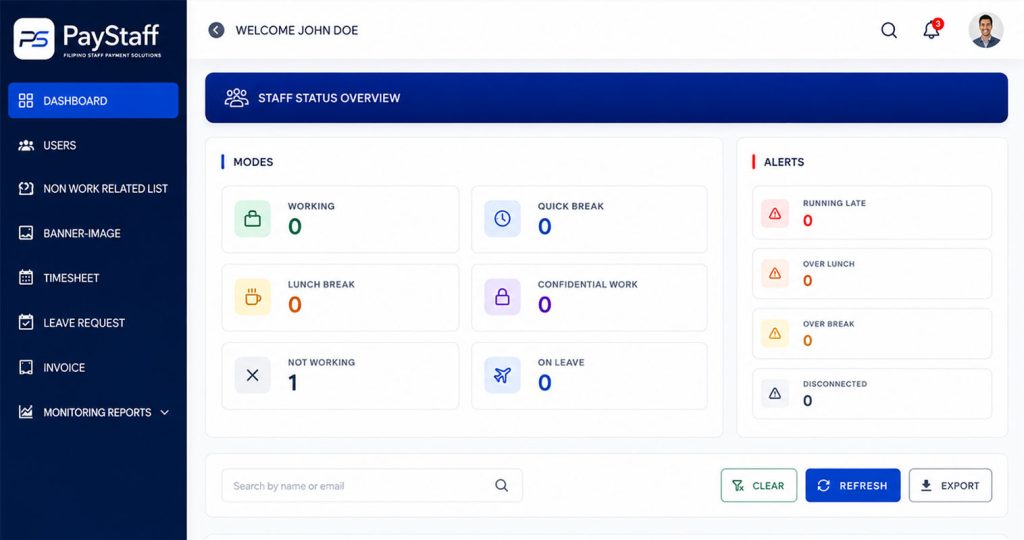

Time tracking
SIPAG’s time tracking starts with something as simple as a timer, and builds it automatically into daily and weekly records that feed straight into approvals and invoicing.
How a session becomes a record
01
A work session starts and stops with a single action.
02
Sessions are grouped by day and project automatically.
03
Totals roll up without any manual re-entry.
04
Missed or incorrect sessions can be added or corrected, with a note.
05
Verified totals flow directly into the period's automated timesheet.
Exceptions
Forgotten sessions, a laptop that went to sleep mid-task, or a session logged against the wrong project — these happen. SIPAG allows manual additions and corrections, but keeps them visibly flagged as edits rather than blending them into the automatic record, so an approving manager always knows what was tracked automatically and what was adjusted by hand.
We'll show you how sessions, edits and weekly totals look in practice.
1 AUD = 44.82 PHP · Updated 4 hours ago
 Tala
Online now
Tala
Online now
Before we start, tell us a little about you.
How was your conversation?
Your feedback helps us improve. This will end the chat.